# Developer Center
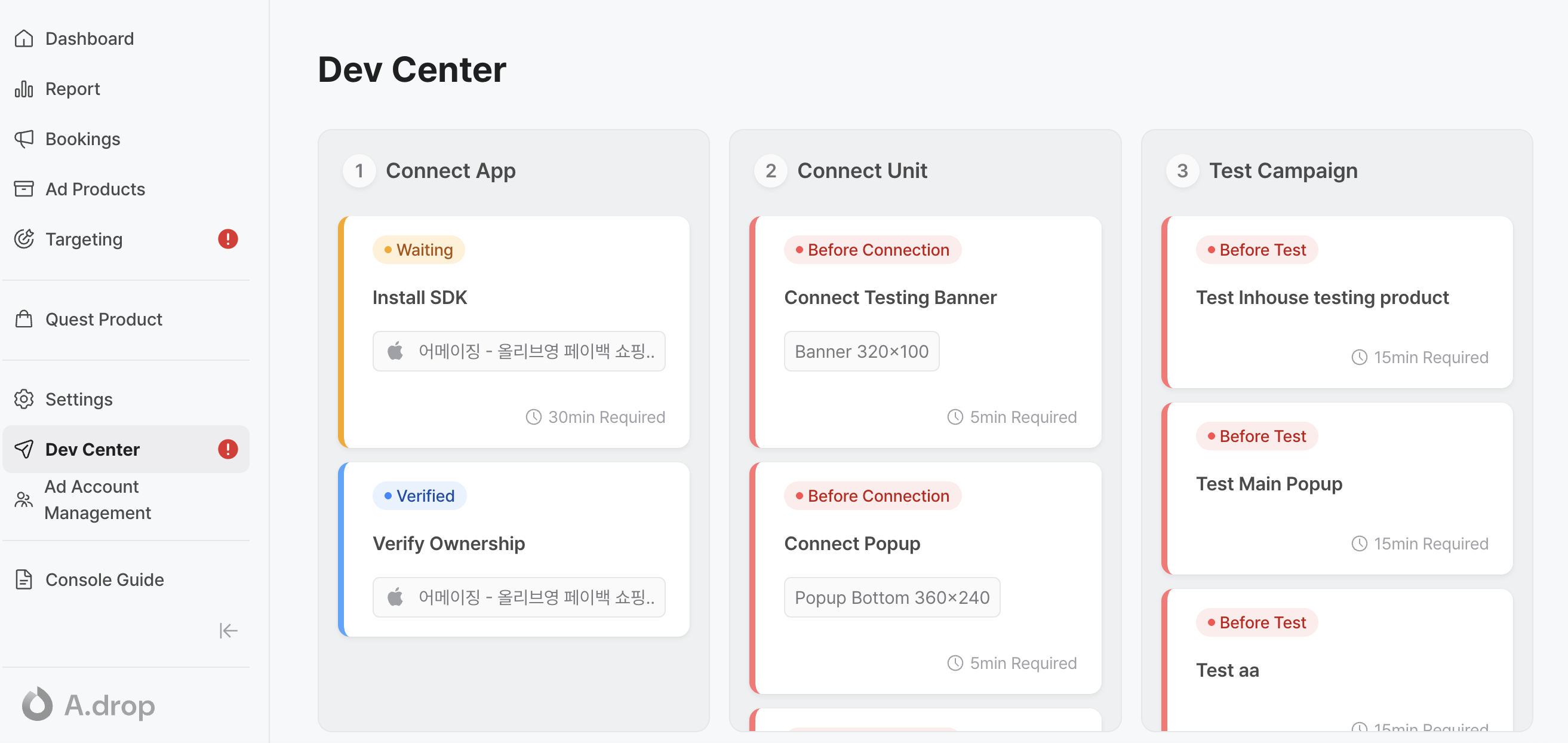
The Dev Center is where app developers can register their services to start using Adrop.
### F**ollow the steps below to register and verify ownership of your app**.
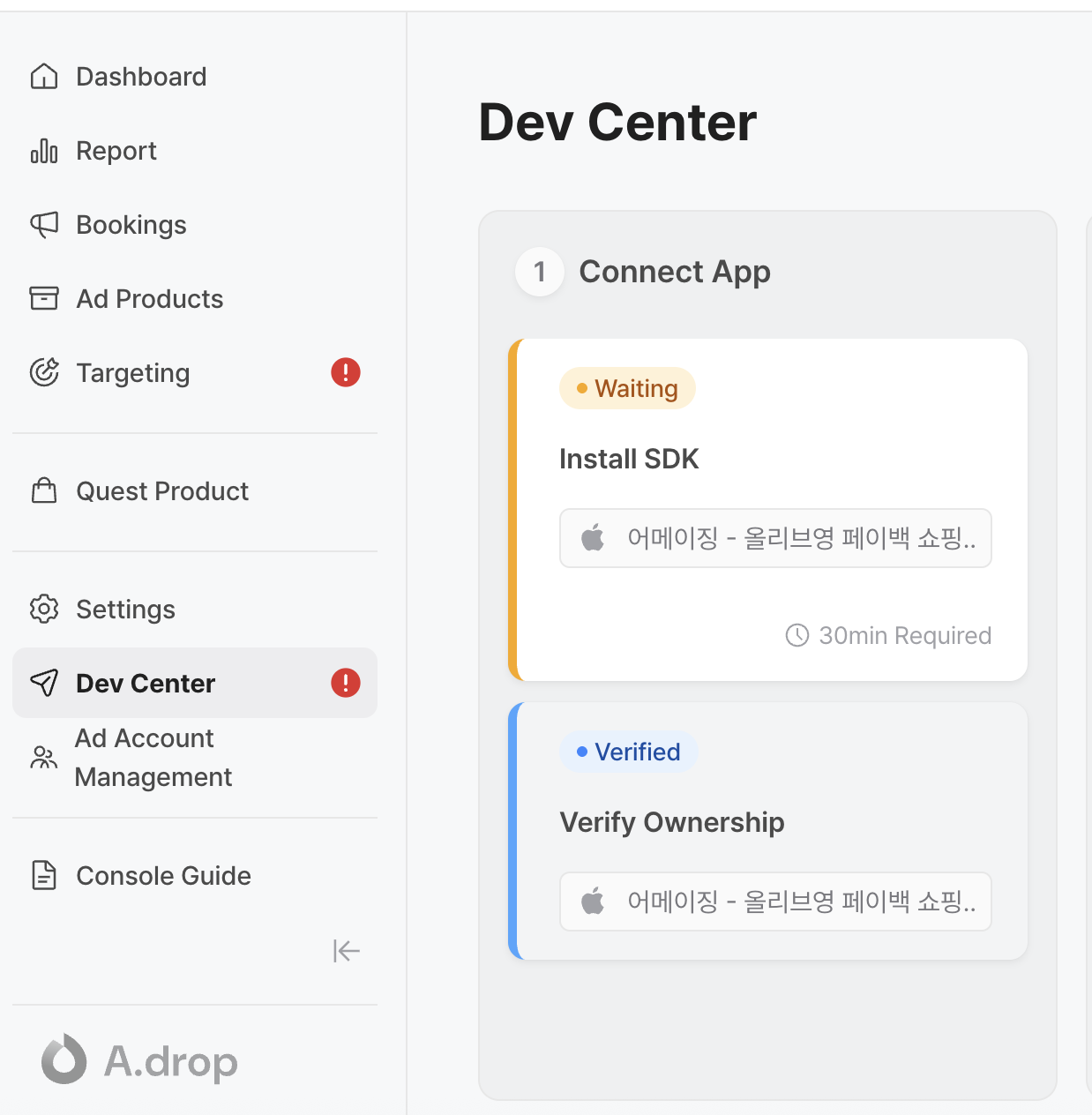
1. Click **"Connect App"** to begin registering the app where you plan to install the **Adrop SDK.**
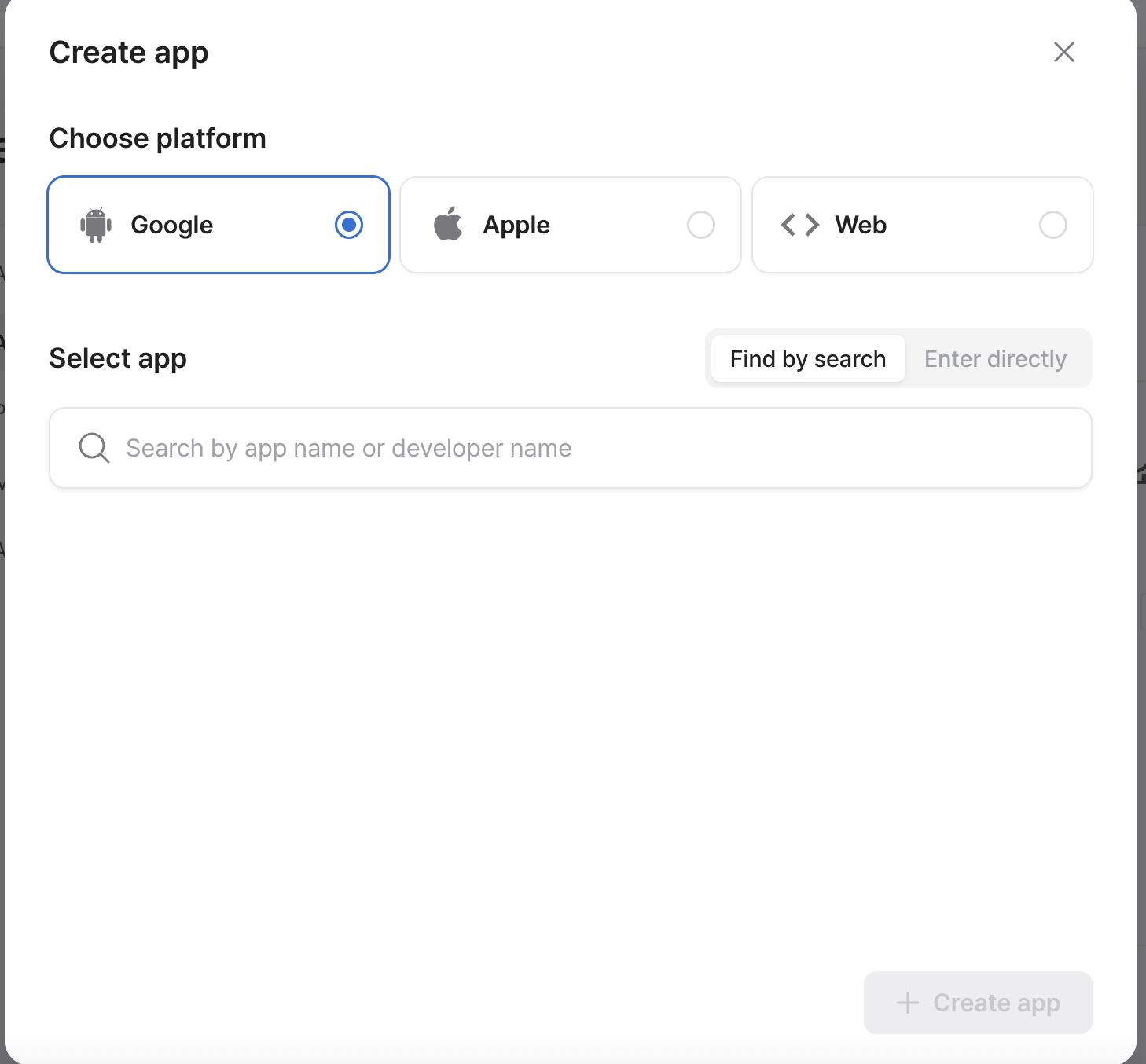
That will lead to the app menu under settings. Choose your platform (iOS, Android, or Web) and search for your app.
* For web services, enter the service name, logo image, and domain.
* If your app isn’t on the app store, you can register it using a package name or domain.
Click "+ Create App" to complete registration.
#### 2. Once your app is registered, proceed with Ownership Verification to confirm that you’re the rightful owner of the service.
Verification steps vary by platform:
* Android: Click "Verify" — a code will be sent to your app's contact email. Enter the code to complete verification.
* iOS: No verification needed.
* Web: Add a TXT record to your domain host. This may take up to 48 hours to verify.
Once verified, your app is ready to link with the Adrop SDK.
3. **Connecting Your App with SDK Installation.**
1\. Click "Install SDK."
2. Follow the guide for your platform (Android, iOS, or Web).
3. Connecting Ad Units to SDK
Go to **Ad Products** in the left menu, then click **“+ Create Unit”** if you haven’t already created ad units.
* **Find the ad units that require SDK connection.**
* **In the Dev Center, go to "Connect Unit."**
* **Select the ad unit that needs SDK linking.**
In the details menu by clicking **"React"** tab, click the "Complete" button to finish connecting the SDK.
4. #### Test Campaign
Once you’ve created an ad product, you can run a test campaign.
For detailed instructions on running a test campaign, please refer to \[[this guide](https://help.adrop.io/en/developer-center/try-a-test-campaign)].