# Ad Account
### What is an Advertising Account?
An advertising account is an account through which you can book campaigns.
In the AdControl console, you can book **campaigns** and also **view their performance**. To book a campaign, you need to create an advertising account first.
You can create an advertising account as follows:
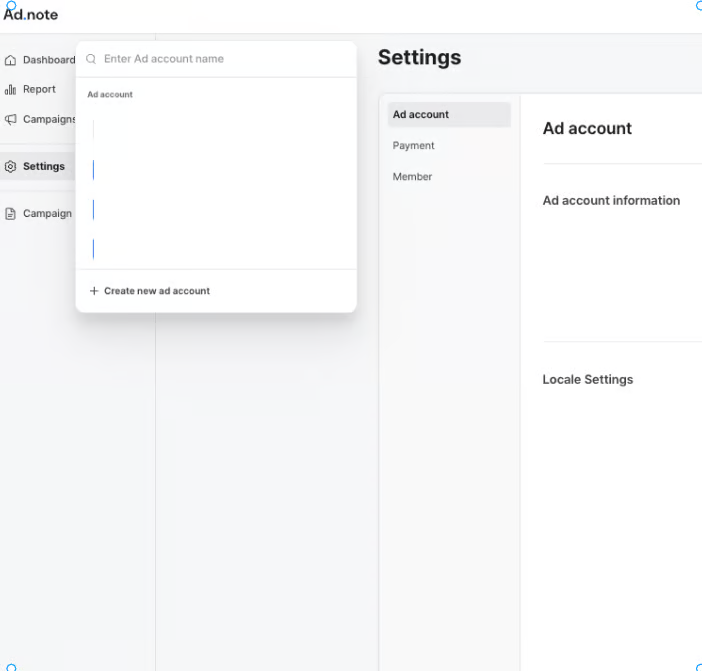
1. Go to **Settings > Ad Platform > View My Ad Platform.** \
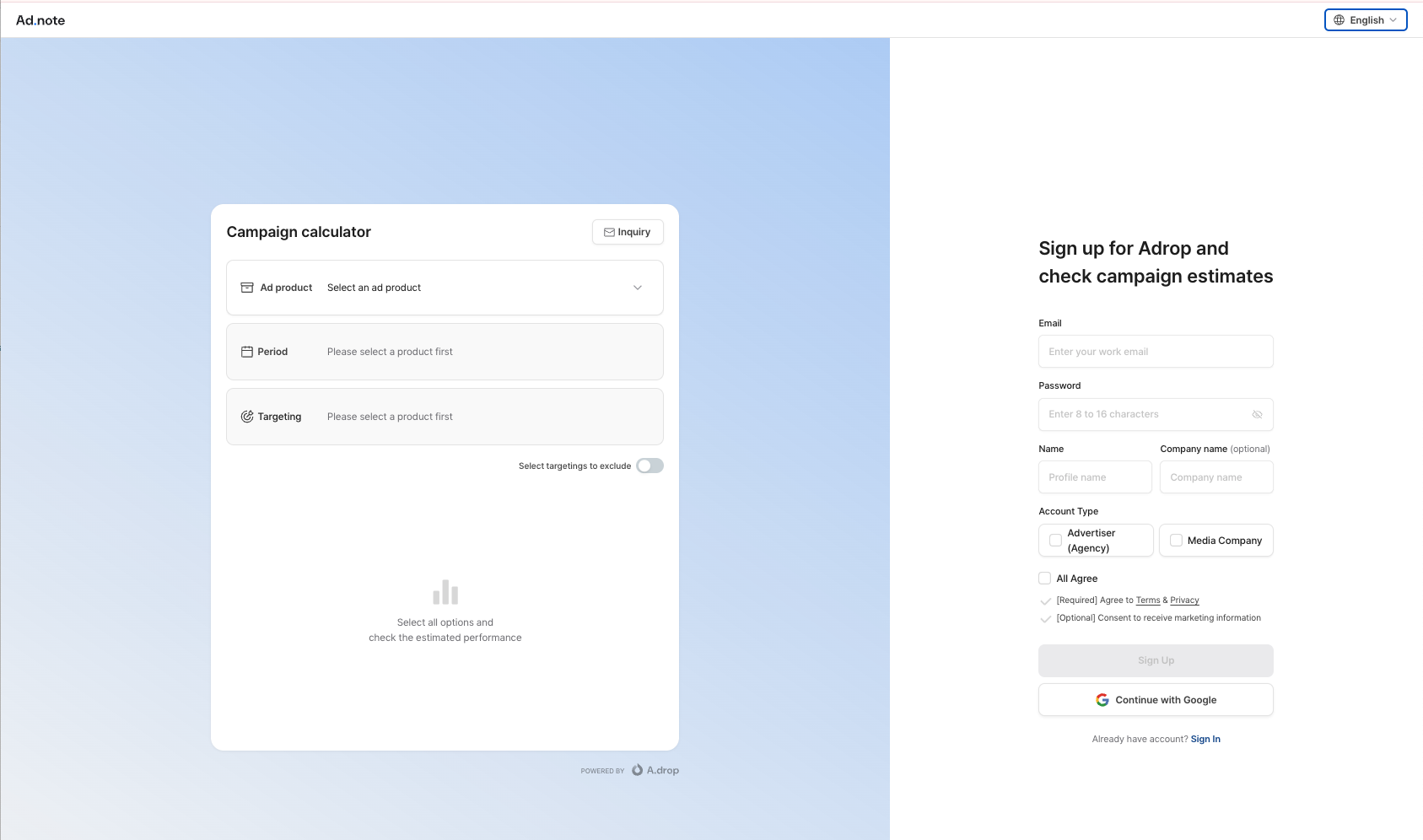
If you've just completed the Adrop sign-up process, you can click **"View My Ad Platform"** to create an Ad account right after uploading your company logo and website URL.
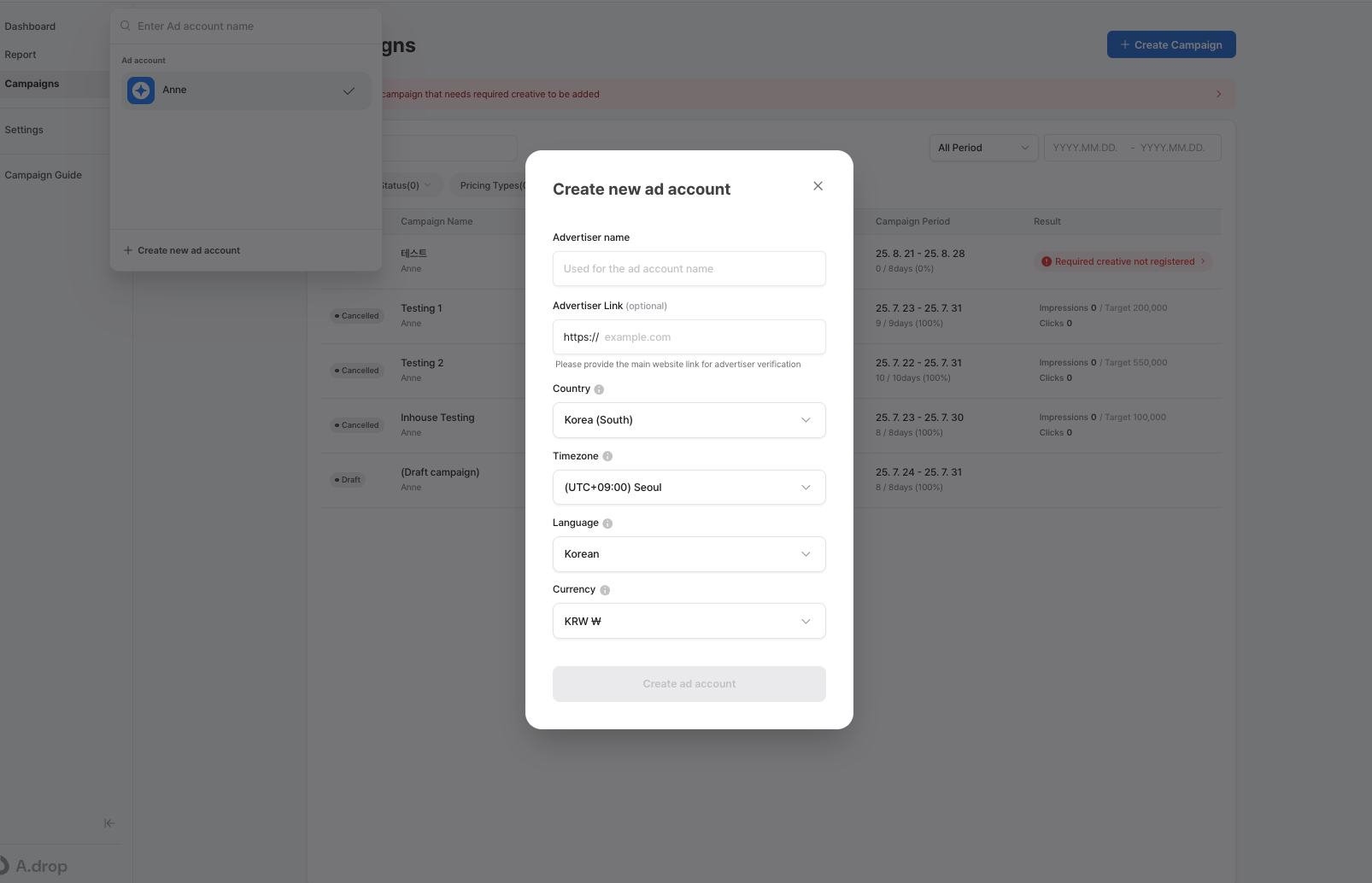
2. Fill advertiser name and enter URL of the advertiser. Then, click "Create an Ad Account."
### Adding New Ad Account
If you’d like to manage multiple campaigns separately within your existing Adrop account, you can create an additional ad account. Here's how:
1. At the top left corner of the console, click on your current ad account name.
2. Select **“Create New Ad Account.”**
3. Fill advertiser name and add URL of the advertiser. Then, click "Create an Ad Account."
Now you’ve successfully created a new ad account.